Introduction to React 19
Discover the new features in React 19 including the compiler, actions, and optimistic updates.
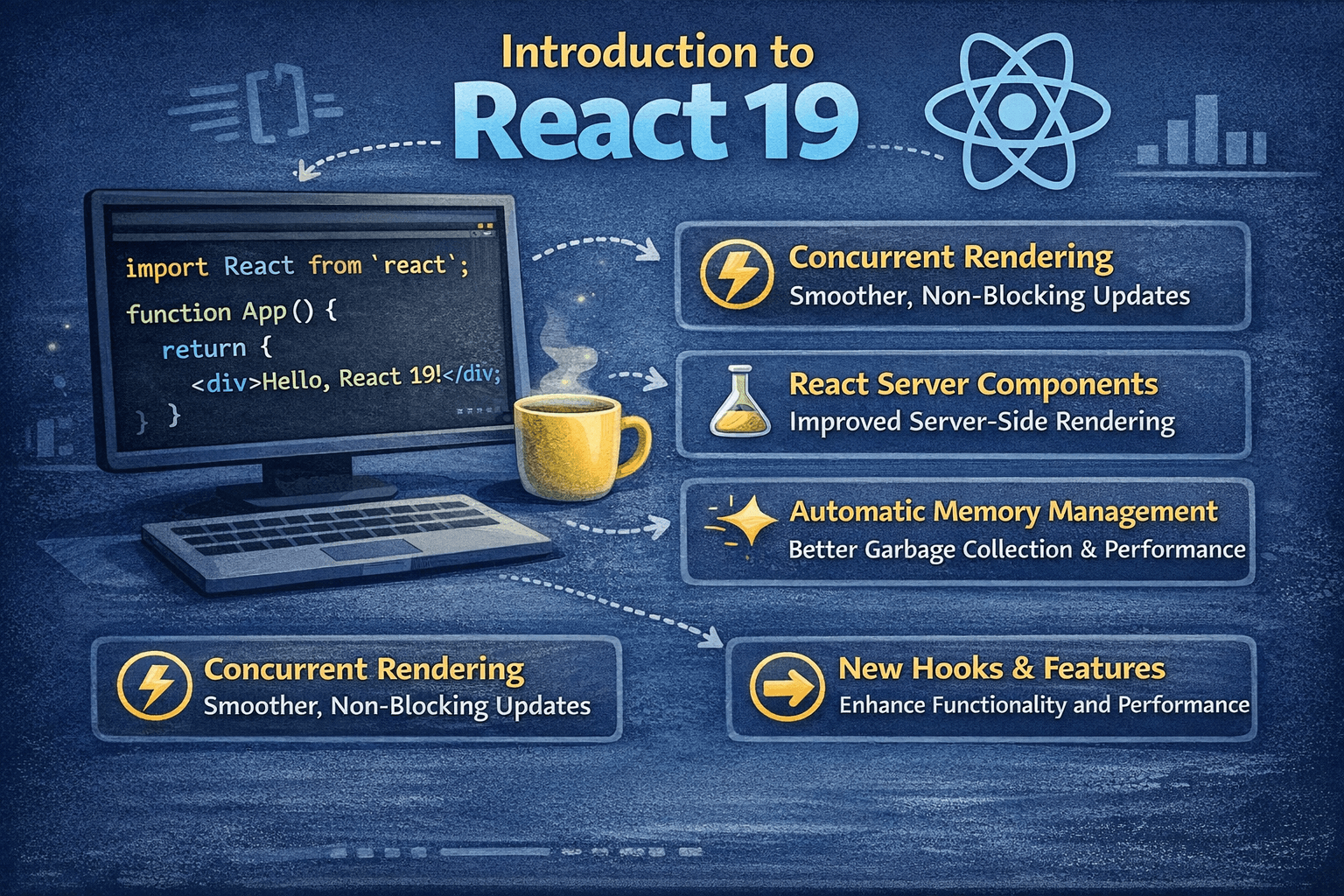
Introduction to React 19: The Paradigm Shift
React 19 is perhaps the most anticipated release since the introduction of Hooks. While previous versions focused on stabilizing concurrent features, React 19 represents a fundamental shift in the developer experience.
For years, React developers have carried the cognitive load of manual optimization, deciding when to memoize a calculation, when to wrap a callback, and how to prevent unnecessary re-renders. React 19 aims to remove that burden almost entirely.
Beyond optimization, it introduces powerful new primitives for handling data mutations (Actions) and solidifies the Server Component architecture, making full-stack React feel less like a patchwork of libraries and more like a cohesive framework.
Here is an in-depth look at the major changes in React 19.
What's the Big Idea Behind React 19?
React 19 focuses on three main goals:
- Making async operations easier - No more juggling loading states and error handling manually
- Better form handling - Forms are everywhere, and they should be easier to build
- Server-first thinking - React now works seamlessly on the server
The theme is simple: write less code, build better apps.
The use() Hook: Your New Best Friend
Remember how you used to fetch data in React? It probably looked something like this:
// The old way - so much boilerplate!
function UserProfile({ userId }) {
  const [user, setUser] = useState(null);
  const [loading, setLoading] = useState(true);
  const [error, setError] = useState(null);

  useEffect(() => {
    setLoading(true);
    setError(null);

    fetchUser(userId)
      .then((data) => {
        setUser(data);
        setLoading(false);
      })
      .catch((err) => {
        setError(err);
        setLoading(false);
      });
  }, [userId]);

  if (loading) return <p>Loading...</p>;
  if (error) return <p>Something went wrong!</p>;

  return <h1>Hello, {user.name}!</h1>;
}
That's 25 lines just to fetch and display a user. React 19 introduces the use() hook, which changes everything:
// The React 19 way - much cleaner!
function UserProfile({ userPromise }) {
  const user = use(userPromise);
  return <h1>Hello, {user.name}!</h1>;
}

// In the parent component
function App() {
  const userPromise = fetchUser(123);

  return (
    <Suspense fallback={<p>Loading...</p>}>
      <UserProfile userPromise={userPromise} />
    </Suspense>
  );
}
That's it. The use() hook reads the promise directly, and Suspense handles the loading state for you.
What Makes use() Special?
Unlike other hooks, use() can be called conditionally:
function Comments({ showComments, commentsPromise }) {
  if (!showComments) {
    return <p>Comments are hidden</p>;
  }

  // This is totally fine in React 19!
  const comments = use(commentsPromise);

  return (
    <ul>
      {comments.map((c) => (
        <li key={c.id}>{c.text}</li>
      ))}
    </ul>
  );
}
Try doing that with useEffect - you can't! The rules of hooks say you can't call hooks conditionally. But use() is different. It's designed to work anywhere in your component.
Actions: Forms Without the Headache
Forms in React have always been... tedious. You need to:
- Prevent the default form submission
- Set a loading state
- Call your API
- Handle errors
- Reset the loading state
- Maybe show a success message
Here's what that used to look like:
// The old way - lots of manual state management
function NewsletterForm() {
  const [email, setEmail] = useState(');
  const [isPending, setIsPending] = useState(false);
  const [error, setError] = useState(null);
  const [success, setSuccess] = useState(false);

  const handleSubmit = async (e) => {
    e.preventDefault();
    setIsPending(true);
    setError(null);

    try {
      await subscribeToNewsletter(email);
      setSuccess(true);
      setEmail(');
    } catch (err) {
      setError(err.message);
    } finally {
      setIsPending(false);
    }
  };

  return (
    <form onSubmit={handleSubmit}>
      <input
        type="email"
        value={email}
        onChange={(e) => setEmail(e.target.value)}
        disabled={isPending}
      />
      <button disabled={isPending}>{isPending ? 'Subscribing...' : 'Subscribe'}</button>
      {error && <p className="error">{error}</p>}
      {success && <p className="success">You're subscribed!</p>}
    </form>
  );
}
React 19 introduces Actions and the useActionState hook:
// The React 19 way - much simpler
function NewsletterForm() {
  const [state, formAction, isPending] = useActionState(
    async (prevState, formData) => {
      const email = formData.get('email');

      try {
        await subscribeToNewsletter(email);
        return { success: true, error: null };
      } catch (err) {
        return { success: false, error: err.message };
      }
    },
    { success: false, error: null },
  );

  return (
    <form action={formAction}>
      <input type="email" name="email" disabled={isPending} />
      <button disabled={isPending}>{isPending ? 'Subscribing...' : 'Subscribe'}</button>
      {state.error && <p className="error">{state.error}</p>}
      {state.success && <p className="success">You're subscribed!</p>}
    </form>
  );
}
Notice we're using action={formAction} instead of onSubmit. This is the new form pattern in React 19. The loading state is handled automatically, and you get a clean way to manage success/error states.
useOptimistic: Make Your UI Feel Instant
You know that annoying delay when you click a like button and wait for the server to respond? With useOptimistic, you can update the UI immediately while the server catches up.
function LikeButton({ postId, initialLikes }) {
  const [likes, setLikes] = useState(initialLikes);
  const [optimisticLikes, addOptimisticLike] = useOptimistic(
    likes,
    (currentLikes, newLike) => currentLikes + 1,
  );

  async function handleLike() {
    addOptimisticLike(1); // UI updates instantly!

    try {
      await likePost(postId);
      setLikes(likes + 1); // Confirm with real data
    } catch (error) {
      // If it fails, optimisticLikes automatically reverts
      console.error('Like failed');
    }
  }

  return <button onClick={handleLike}>❤️ {optimisticLikes}</button>;
}
The magic here is that if the API call fails, the optimistic update automatically reverts. You don't have to handle that yourself.
useFormStatus: Child Components Know What's Happening
Ever wanted a submit button to know if its parent form is submitting? Before React 19, you had to pass that state down through props. Now you don't:
import { useFormStatus } from 'react-dom';

function SubmitButton({ children }) {
  const { pending } = useFormStatus();

  return (
    <button type="submit" disabled={pending}>
      {pending ? 'Saving...' : children}
    </button>
  );
}

// Use it in any form, no props needed!
function ContactForm() {
  return (
    <form action={saveContact}>
      <input name="name" placeholder="Your name" />
      <input name="email" placeholder="Your email" />
      <SubmitButton>Send Message</SubmitButton>
    </form>
  );
}
The SubmitButton component automatically knows when its parent form is submitting. This makes reusable form components so much easier to build.
Server Components: Less JavaScript, Faster Apps
React 19 stabilizes Server Components. These are components that run only on the server - they never ship to the browser.
Why does that matter? Because some things don't need to run in the browser:
- Fetching data from a database
- Reading files
- Using heavy libraries for processing
Here's a Server Component:
// This runs on the server only
async function BlogPost({ slug }) {
  // Direct database access - no API endpoint needed!
  const post = await db.posts.findOne({ slug });

  // The marked library stays on the server, not in your JS bundle
  const content = marked(post.markdown);

  return (
    <article>
      <h1>{post.title}</h1>
      <div dangerouslySetInnerHTML={{ __html: content }} />
      <CommentSection postId={post.id} /> {/* This is a Client Component */}
    </article>
  );
}
The benefits are huge:
- Smaller bundles - Server-only code never reaches the browser
- Faster page loads - Less JavaScript to download and parse
- Simpler data fetching - No need to build API endpoints for everything
- Better security - Sensitive logic stays on the server
New Metadata APIs: Simpler SEO
React 19 adds native support for document metadata. You can now set the title, description, and other meta tags right in your components:
function BlogPost({ post }) {
  return (
    <article>
      <title>{post.title} | My Blog</title>
      <meta name="description" content={post.excerpt} />
      <link rel="canonical" href={`https://myblog.com/posts/${post.slug}`} />

      <h1>{post.title}</h1>
      <p>{post.content}</p>
    </article>
  );
}
React will automatically hoist these elements to the <head> of your document. No more helmet libraries or awkward workarounds.
Improved Error Handling
React 19 gives you better error messages and improved error boundaries. But the coolest addition is that you can now display better error UI for hydration mismatches:
function MyApp() {
  return (
    <html>
      <body>
        <ErrorBoundary fallback={<ErrorPage />}>
          <Suspense fallback={<Loading />}>
            <MainContent />
          </Suspense>
        </ErrorBoundary>
      </body>
    </html>
  );
}
Error boundaries now work more predictably with Suspense, making it easier to build robust applications.
The ref Prop Just Works
Remember having to use forwardRef for every component that needed a ref? That's gone now:
// Before React 19
const FancyInput = forwardRef((props, ref) => {
  return <input ref={ref} className="fancy" {...props} />;
});

// React 19
function FancyInput({ ref, ...props }) {
  return <input ref={ref} className="fancy" {...props} />;
}
Much cleaner. ref is now just a regular prop.
When Should You Upgrade?
Upgrade now if:
- You're starting a new project
- You're using Next.js 14+ (which supports React 19)
- You frequently build forms and want cleaner code
- You want smaller bundle sizes with Server Components
Wait a bit if:
- You have a large codebase with custom form libraries
- You're using third-party packages that haven't been updated yet
- You're in the middle of a critical release
Quick Reference: New Hooks at a Glance
| Hook | Purpose | When to Use |
|---|---|---|
use() | Read promises and context | Async data fetching |
useActionState | Form submission state | Any form with API calls |
useOptimistic | Instant UI updates | Likes, saves, toggles |
useFormStatus | Form pending state | Reusable submit buttons |
Wrapping Up
React 19 isn't about learning a completely new framework. It's about making the things you already do fetching data, handling forms, building fast UIs genuinely easier.
The React team has listened to years of developer feedback and delivered features that address real pain points. Forms that don't require five useState calls. Data fetching without the boilerplate. UI that feels instant even when the network is slow.
My advice? Start small. Pick one form in your app and try converting it to use useActionState. Or take a component that fetches data and see how use() simplifies it. You'll be surprised how much code you can delete.
Welcome to React 19. It's a good time to be a React developer.