useState: What, When, and Why
State is the heart of interactive React applications. Without state, your components would be static - unable to respond to user input, update based on network responses, or change over time. The useState hook is React's primary mechanism for adding state to function components.
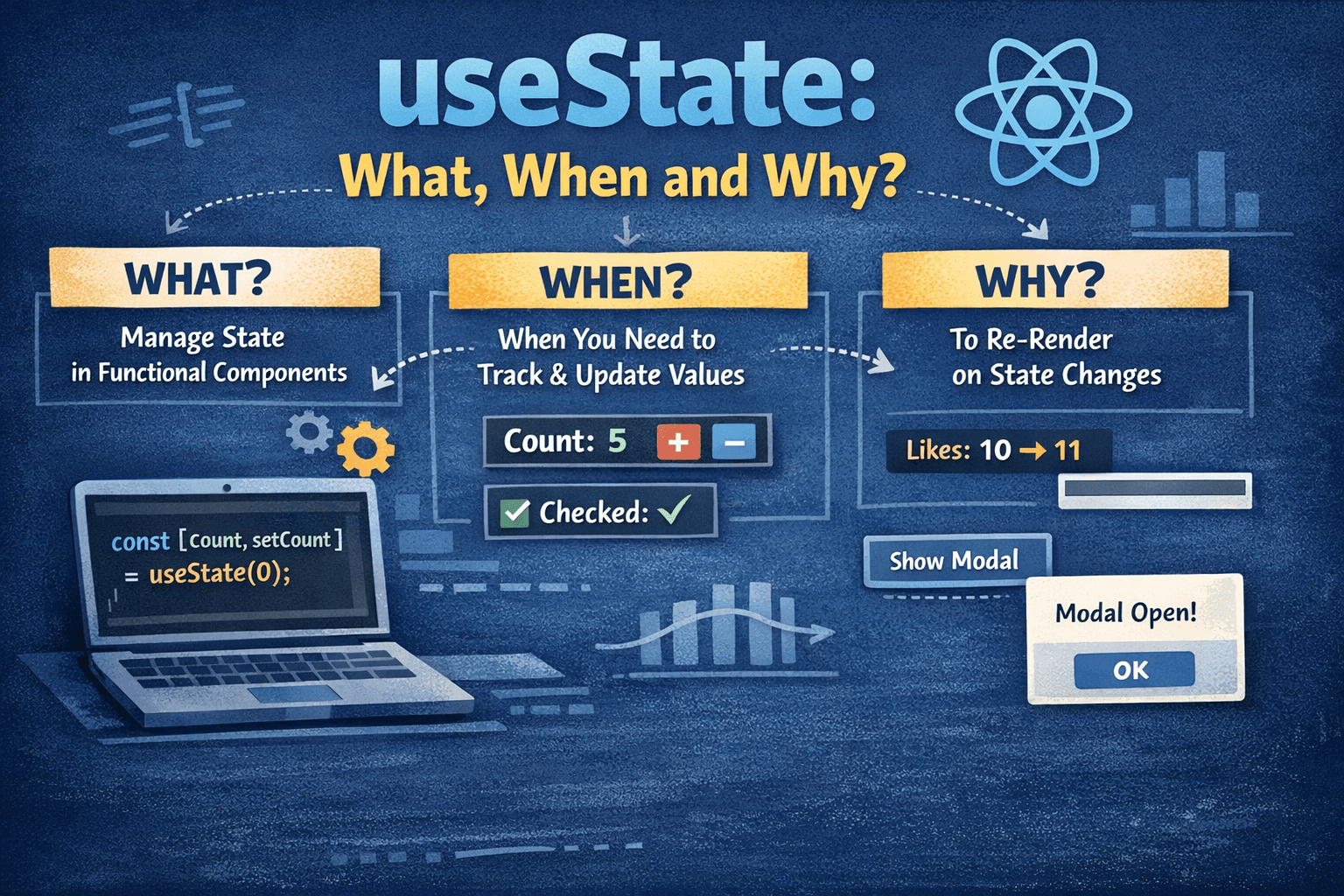
This article provides a comprehensive examination of useState: what it actually does at a technical level, when you should (and shouldn't) use it, and the reasoning behind its design decisions.
What is useState?
useState is a React hook that lets you add a state variable to your component. When you call useState, you're telling React: "I need to remember something between renders."
The Syntax
const [state, setState] = useState(initialValue);
This line does three things:
- Creates a state variable called
state(you decide the name) - Creates an updater function called
setState(you decide the name) - Sets the initial value to whatever you pass as the argument
What React Actually Does
When you call useState(0), React doesn't just store a number. It creates an entry in an internal data structure associated with your component instance. This entry contains:
- The current value of the state
- A reference to the component that owns it
- A position index (because React identifies hooks by the order they're called)
When you call the setter function, React:
- Schedules a re-render of the component
- Updates the stored value
- Returns the new value on the next render
This is why state updates don't appear immediately:
function Counter() {
  const [count, setCount] = useState(0);

  function handleClick() {
    setCount(count + 1);
    console.log(count); // Still 0! The update hasn't happened yet.
  }

  return <button onClick={handleClick}>Count: {count}</button>;
}
The console.log shows 0 because React hasn't re-rendered the component yet. The new value (1) only exists after the next render.
How useState Preserves State Across Renders
Every time your component renders, your function runs from top to bottom. Variables declared with let or const are created fresh each render:
function MyComponent() {
  let normalVariable = 0; // Reset to 0 on every render
  const [stateVariable, setStateVariable] = useState(0); // Preserved between renders

  // ...
}
React preserves state by:
-
Maintaining a list of hooks per component instance - Each component has its own hook state, separate from other instances of the same component.
-
Using call order as an identifier - React doesn't know what you named your state variables. It identifies hooks by the order they're called. This is why hooks must always be called in the same order (no conditionals, no loops).
-
Associating state with position in the component tree - If you render
<Counter />twice, each has its own independent state because they're at different positions in the tree.
Demonstration of Hook Order Dependency
// ❌ WRONG: Conditional hook call
function BadComponent({ showName }) {
  if (showName) {
    const [name, setName] = useState('Alice'); // Hook call position changes!
  }
  const [age, setAge] = useState(25);
}

// ✅ CORRECT: Hooks always called in same order
function GoodComponent({ showName }) {
  const [name, setName] = useState('Alice'); // Always first
  const [age, setAge] = useState(25); // Always second

  if (!showName) {
    // Just don't render the name, don't skip the hook
  }
}
React relies on hook order to know which state belongs to which variable. If you call hooks conditionally, the order can change between renders, and React will assign the wrong state to the wrong variable.
The Functional Updater Pattern
When your new state depends on the previous state, use the functional form of the setter:
// ❌ Can cause bugs with stale state
setCount(count + 1);

// ✅ Always uses the latest state
setCount((prevCount) => prevCount + 1);
Why the Functional Form Matters
Consider this code:
function Counter() {
  const [count, setCount] = useState(0);

  function handleClick() {
    setCount(count + 1);
    setCount(count + 1);
    setCount(count + 1);
  }

  return <button onClick={handleClick}>{count}</button>;
}
After clicking, you might expect count to be 3. It's actually 1.
Here's why: When handleClick runs, count is 0. All three setCount(count + 1) calls are actually setCount(0 + 1). React batches these updates and applies only the final one: setCount(1).
The functional form fixes this:
function Counter() {
  const [count, setCount] = useState(0);

  function handleClick() {
    setCount((c) => c + 1); // 0 → 1
    setCount((c) => c + 1); // 1 → 2
    setCount((c) => c + 1); // 2 → 3
  }

  return <button onClick={handleClick}>{count}</button>;
}
Each updater function receives the latest pending state, not the state from the current render. After clicking, count is 3.
When to Use Each Form
Use the direct form when the new value doesn't depend on the previous value:
setName('Alice');
setIsOpen(true);
setSelectedId(event.target.id);
Use the functional form when the new value is derived from the previous value:
setCount((c) => c + 1);
setItems((prev) => [...prev, newItem]);
setUser((prev) => ({ ...prev, name: newName }));
Lazy Initialization
If your initial state requires an expensive computation, passing it directly causes that computation to run on every render:
// ❌ computeInitialItems() runs on EVERY render
const [items, setItems] = useState(computeInitialItems());
Even though React only uses the initial value on the first render, computeInitialItems() still runs every time. This is because function arguments are evaluated before the function is called.
The solution is lazy initialization:
// ✅ computeInitialItems only runs once, on first render
const [items, setItems] = useState(() => computeInitialItems());
When you pass a function to useState, React calls it only on the first render to get the initial value. On subsequent renders, React ignores this function entirely.
Practical Example
function FileEditor({ file }) {
  // ❌ Parses the file on every render
  const [content, setContent] = useState(parseFileContent(file));

  // ✅ Only parses once, when component mounts
  const [content, setContent] = useState(() => parseFileContent(file));

  // ...
}
The second form is more performant if parseFileContent is expensive.
When to Use useState
Use useState For:
1. User Input
Forms, text fields, checkboxes, sliders - anything the user directly controls:
function LoginForm() {
  const [email, setEmail] = useState('');
  const [password, setPassword] = useState('');

  return (
    <form>
      <input type="email" value={email} onChange={(e) => setEmail(e.target.value)} />
      <input type="password" value={password} onChange={(e) => setPassword(e.target.value)} />
    </form>
  );
}
2. UI State
Modal open/closed, accordion expanded/collapsed, tab selection:
function Tabs({ tabs }) {
  const [activeTab, setActiveTab] = useState(0);

  return (
    <div>
      <div className="tab-headers">
        {tabs.map((tab, index) => (
          <button
            key={index}
            onClick={() => setActiveTab(index)}
            className={activeTab === index ? 'active' : ''}
          >
            {tab.title}
          </button>
        ))}
      </div>
      <div className="tab-content">{tabs[activeTab].content}</div>
    </div>
  );
}
3. Local Component Data
Data that belongs to a single component and doesn't need to be shared:
function Timer() {
  const [seconds, setSeconds] = useState(0);
  const [isRunning, setIsRunning] = useState(false);

  useEffect(() => {
    if (!isRunning) return;

    const interval = setInterval(() => {
      setSeconds((s) => s + 1);
    }, 1000);

    return () => clearInterval(interval);
  }, [isRunning]);

  return (
    <div>
      <p>{seconds} seconds</p>
      <button onClick={() => setIsRunning(!isRunning)}>{isRunning ? 'Pause' : 'Start'}</button>
    </div>
  );
}
4. Derived Loading/Error States
When making API calls within a component:
function UserProfile({ userId }) {
  const [user, setUser] = useState(null);
  const [loading, setLoading] = useState(true);
  const [error, setError] = useState(null);

  useEffect(() => {
    setLoading(true);
    setError(null);

    fetchUser(userId)
      .then((data) => {
        setUser(data);
        setLoading(false);
      })
      .catch((err) => {
        setError(err.message);
        setLoading(false);
      });
  }, [userId]);

  if (loading) return <p>Loading...</p>;
  if (error) return <p>Error: {error}</p>;
  return <h1>{user.name}</h1>;
}
When NOT to Use useState
Don't Use useState For:
1. Values That Can Be Computed From Existing State or Props
If a value can be derived, compute it during render:
// ❌ Unnecessary state
function Cart({ items }) {
  const [total, setTotal] = useState(0);

  useEffect(() => {
    setTotal(items.reduce((sum, item) => sum + item.price, 0));
  }, [items]);

  return <p>Total: ${total}</p>;
}

// ✅ Computed during render
function Cart({ items }) {
  const total = items.reduce((sum, item) => sum + item.price, 0);

  return <p>Total: ${total}</p>;
}
The first version is worse because:
- It causes an extra render (state update triggers re-render)
- It's more code
- The total can briefly be out of sync with items
2. Values That Don't Affect the UI
If changing a value shouldn't trigger a re-render, don't use state:
// ❌ Causes unnecessary re-renders
function VideoPlayer({ src }) {
  const [currentTime, setCurrentTime] = useState(0);

  // This triggers a re-render 60 times per second!
  function handleTimeUpdate(event) {
    setCurrentTime(event.target.currentTime);
  }

  return <video src={src} onTimeUpdate={handleTimeUpdate} />;
}

// ✅ Use a ref for values that don't need to trigger re-renders
function VideoPlayer({ src }) {
  const currentTimeRef = useRef(0);

  function handleTimeUpdate(event) {
    currentTimeRef.current = event.target.currentTime;
  }

  return <video src={src} onTimeUpdate={handleTimeUpdate} />;
}
3. Data That Needs to Be Shared Across Many Components
If multiple unrelated components need the same data, useState at the individual component level leads to prop drilling:
// ❌ Passing user through many layers
function App() {
  const [user, setUser] = useState(null);
  return (
    <Layout user={user}>
      <Page user={user} />
    </Layout>
  );
}

// ✅ Use Context for widely-shared state
const UserContext = createContext(null);

function App() {
  const [user, setUser] = useState(null);
  return (
    <UserContext.Provider value={user}>
      <Layout>
        <Page />
      </Layout>
    </UserContext.Provider>
  );
}

function DeepNestedComponent() {
  const user = useContext(UserContext);
  return <p>Hello, {user?.name}</p>;
}
4. Complex State With Many Related Values
When state has multiple related fields that change together, useReducer is often clearer:
// ❌ Multiple related states
function Form() {
  const [name, setName] = useState('');
  const [email, setEmail] = useState('');
  const [errors, setErrors] = useState({});
  const [isSubmitting, setIsSubmitting] = useState(false);
  const [isSubmitted, setIsSubmitted] = useState(false);

  // Easy to get these out of sync
}

// ✅ useReducer for complex state
function Form() {
  const [state, dispatch] = useReducer(formReducer, {
    name: '',
    email: '',
    errors: {},
    isSubmitting: false,
    isSubmitted: false,
  });

  // All state transitions are explicit in the reducer
}
Why useState Works This Way
Why Does setState Not Update Immediately?
React batches state updates for performance. If every setState call immediately re-rendered the component, you'd get unnecessary intermediate renders:
function handleClick() {
  setName('Alice'); // Without batching: render
  setAge(25); // Without batching: render again
  setCity('NYC'); // Without batching: render a third time
}
With batching, React waits until all event handler code has finished, then does a single re-render with all the new values. This is faster and avoids showing inconsistent intermediate states.
Why Is Initial Value Ignored After First Render?
const [count, setCount] = useState(0);
On the first render, React creates a new state slot and initializes it with 0. On subsequent renders, React already has a value in that slot, so it ignores the 0 you passed and returns the current value instead.
This is intentional. If React re-initialized state every render, you couldn't preserve state. The initial value is only meaningful once: when the state is created.
Why Can't Hooks Be Conditional?
React doesn't store hook state by name. It stores it by position (first hook call, second hook call, etc.). If you skip a hook call on some renders:
// Render 1: showName is true
useState('Alice'); // Position 0 → 'Alice'
useState(25); // Position 1 → 25

// Render 2: showName is false, skip first useState
useState(25); // Position 0 → But React thinks this is 'Alice'!
React has no way to know you skipped a hook. It just sees "hook at position 0" and gives you the wrong state. This is why the Rules of Hooks exist.
State vs. Refs
Both useState and useRef persist values across renders. The key difference:
| Aspect | useState | useRef |
|---|---|---|
| Triggers re-render | Yes | No |
| Updates synchronously | No (batched) | Yes |
| Access | value, setValue | ref.current |
| Use case | UI-affecting data | DOM refs, timers, previous values |
function Example() {
  const [count, setCount] = useState(0); // Changing this re-renders
  const renderCount = useRef(0); // Changing this doesn't re-render

  renderCount.current += 1;

  return (
    <div>
      <p>Count: {count}</p>
      <p>Render count: {renderCount.current}</p>
      <button onClick={() => setCount((c) => c + 1)}>Increment</button>
    </div>
  );
}
Use useState when the value affects what React renders. Use useRef when you need to remember something without triggering a re-render.
Common Patterns
Toggle Pattern
const [isOpen, setIsOpen] = useState(false);
const toggle = () => setIsOpen((prev) => !prev);
Object State Pattern
const [user, setUser] = useState({ name: '', email: '' });

// Update one field
const setName = (name) => setUser((prev) => ({ ...prev, name }));

// Update multiple fields
const updateUser = (updates) => setUser((prev) => ({ ...prev, ...updates }));
Array State Pattern
const [items, setItems] = useState([]);

// Add item
const addItem = (item) => setItems((prev) => [...prev, item]);

// Remove item
const removeItem = (id) => setItems((prev) => prev.filter((item) => item.id !== id));

// Update item
const updateItem = (id, updates) =>
  setItems((prev) => prev.map((item) => (item.id === id ? { ...item, ...updates } : item)));
Previous Value Pattern
Sometimes you need the previous value for comparison:
function Counter() {
  const [count, setCount] = useState(0);
  const prevCountRef = useRef();

  useEffect(() => {
    prevCountRef.current = count;
  });

  const prevCount = prevCountRef.current;

  return (
    <div>
      <p>
        Now: {count}, Before: {prevCount}
      </p>
      <button onClick={() => setCount((c) => c + 1)}>Increment</button>
    </div>
  );
}
Debugging useState
State Not Updating?
-
Check if you're reading stale state inside a closure:
// ❌ count is stale inside the callback useEffect(() => { const id = setInterval(() => console.log(count), 1000); return () => clearInterval(id); }, []); // Empty deps means count is always the initial value -
Check if you're mutating state instead of replacing it:
// ❌ Mutating state directly
items.push(newItem);
setItems(items); // Same reference, React doesn't see a change

// ✅ Create new array
setItems([...items, newItem]);
Too Many Re-renders?
-
Check for state updates during render:
function Bad() { const [count, setCount] = useState(0); setCount(1); // ❌ Infinite loop! return <div>{count}</div>; } -
Check for missing dependencies causing effect loops:
useEffect(() => {
  setData(transform(props.value)); // Updates state
}, [props.value, transform]); // Make sure transform is stable
Summary
useState is foundational to React development. Understanding its mechanics - how it preserves state, why updates are batched, when to use functional updates - prevents bugs and helps you write more efficient components.
Key takeaways:
- State is preserved between renders by hook call order, not variable names
- Use the functional updater
setState(prev => ...)when new state depends on previous state - Use lazy initialization
useState(() => expensive())for expensive initial values - Don't use state for derived values or values that don't affect the UI
- State updates are batched and asynchronous
The more you understand about how React's hooks work internally, the more predictable your code becomes. useState looks simple, but mastering it is essential for building robust React applications.